Integrations
Review Stripe when Numonis enables Integrations for your company.
Integrations connects an external tool to your company in Numonis. The sidebar section appears only when Numonis has enabled it for the selected organization.
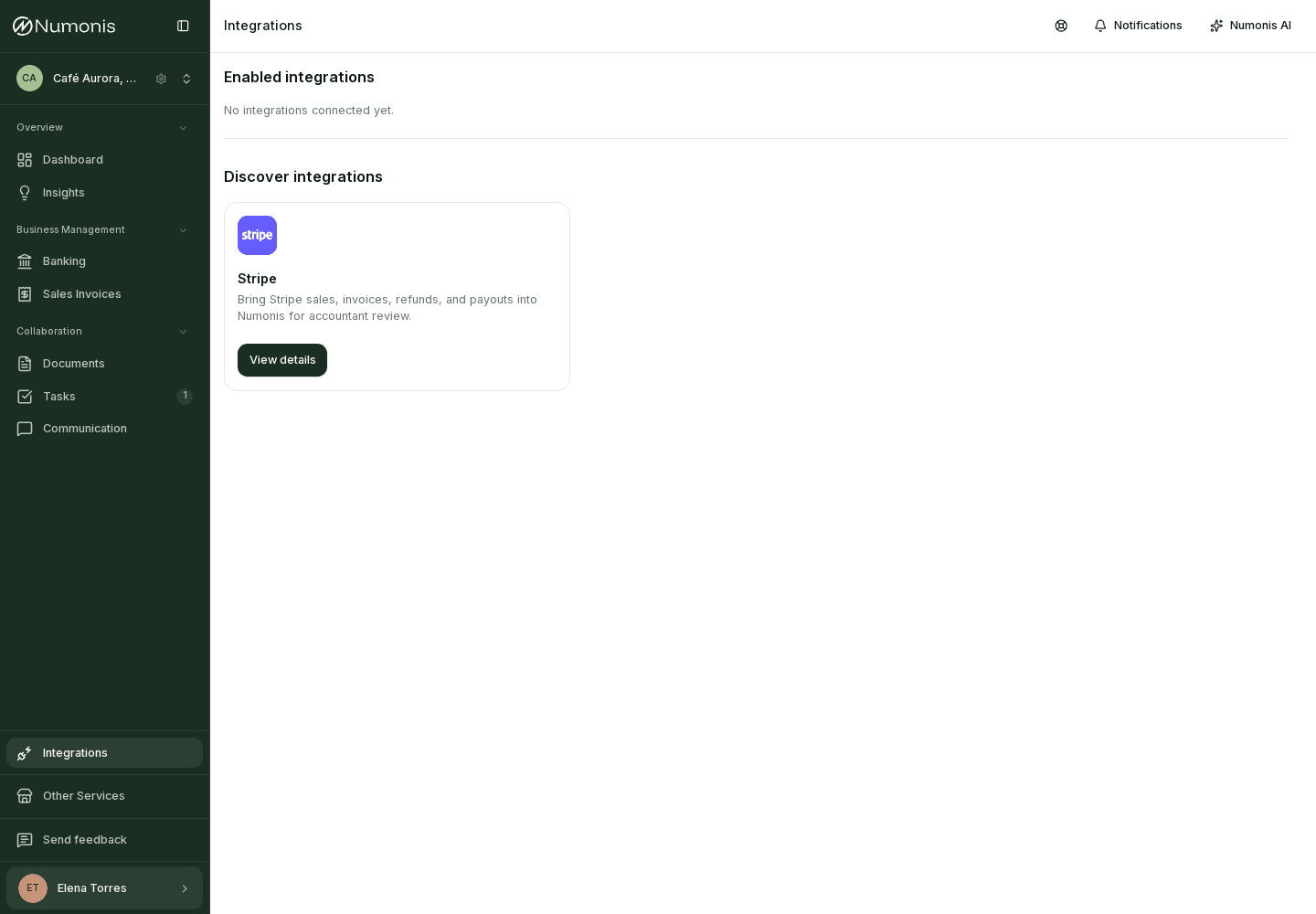
The list shows Stripe as an available or already connected integration.
How to get there
- Check the active organization.
- In the sidebar, press Integrations. On mobile, open it from More.
If you do not see the section, Numonis has not enabled it yet. Write from Communication if you think it should be available.
Stripe
When Stripe is enabled, the page shows it under Enabled integrations if it is already connected, or under Discover integrations if it is not.
- Connect opens Stripe setup inside Numonis. An organization admin can use it. From that page, Connect Stripe opens Stripe to authorize the account.
- Manage opens the connection that already exists.
- View details is the action when you cannot connect the account.
A member who is not an admin sees Ask your company admin or accountant to connect Stripe for this company.
If Numonis has not enabled the connection yet, the notice is Numonis has not enabled Stripe setup yet. Use Help in the navbar to request setup.
An admin can press Connect Stripe to authorize the account without sharing a key, or Connect with API key with a restricted read-only key. New sales and refunds sync about every 15 minutes. Your accountant reviews those sales in Numonis. Stripe payouts are reviewed separately in Banking.