Profile settings, organization settings, and team
Understand profile settings, organization settings, team access, business details, appearance, and primary contact.
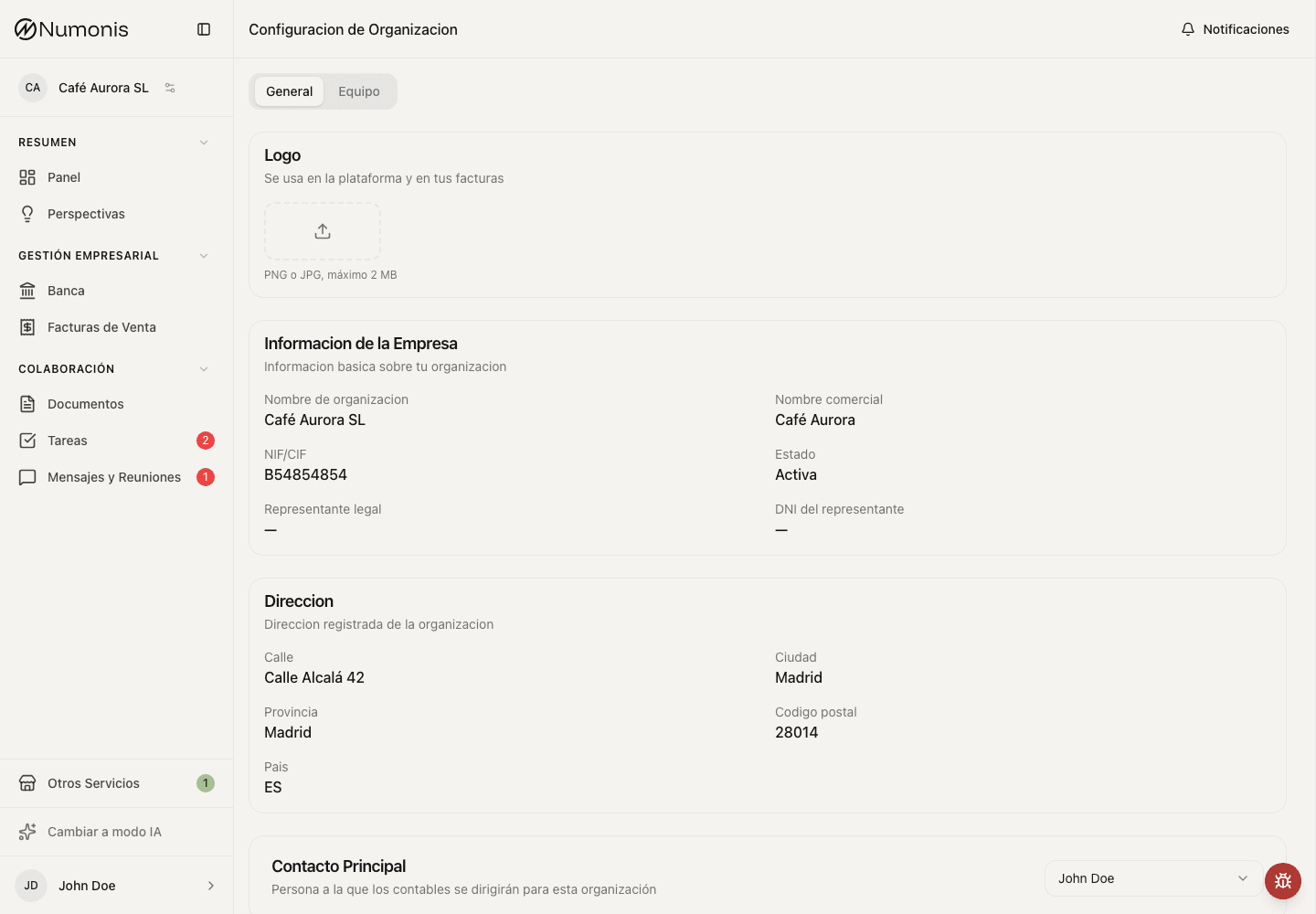
From Settings you can review profile, organization, team, and appearance.
Settings are split into two areas:
- Profile settings affect your own user account: name, profile photo, notifications, language, time zone, appearance, and font size.
- Organization settings affect the selected organization: business details, logo, primary contact, and team members.
Profile settings
Use profile settings when you want to update something about your own user account.
- Press your avatar or name at the bottom of the sidebar. On mobile, open More and tap your profile at the bottom.
- Select Profile settings.
- Use General for name and profile photo.
- Use Notifications for platform notifications and email notifications.
- Use Appearance for language, time zone, theme, and text size.
Each individual using the Numonis platform should use their own user account. Do not share one login between team members.
Organization settings
Use organization settings when you want to review or update information about the selected business.
- Open Organization settings.
- Review legal name, trade name, NIF/CIF, address, representative details, and logo.
- Review the Primary contact.
- Use Team to invite other members of your organization and review their access.
For important tax or legal changes, discuss the change with your accountant before editing the information.
What primary contact means
The primary contact is the person Numonis will normally contact first for questions about this organization. Accountants and support use this person when they need a fast answer, missing information, or confirmation.
To assign it, open Organization settings, go to the primary contact field, choose a team member, and save the change if the screen asks you to confirm.
Team
- Open Organization settings.
- Go to Team.
- Invite other members of your organization if you have permission.
- Review each team member's email and role.
- Remove or change access when someone should no longer see business information.