Account and organization
Roles and team access
Invite team members, review access, and understand how several people can work in the same organization.
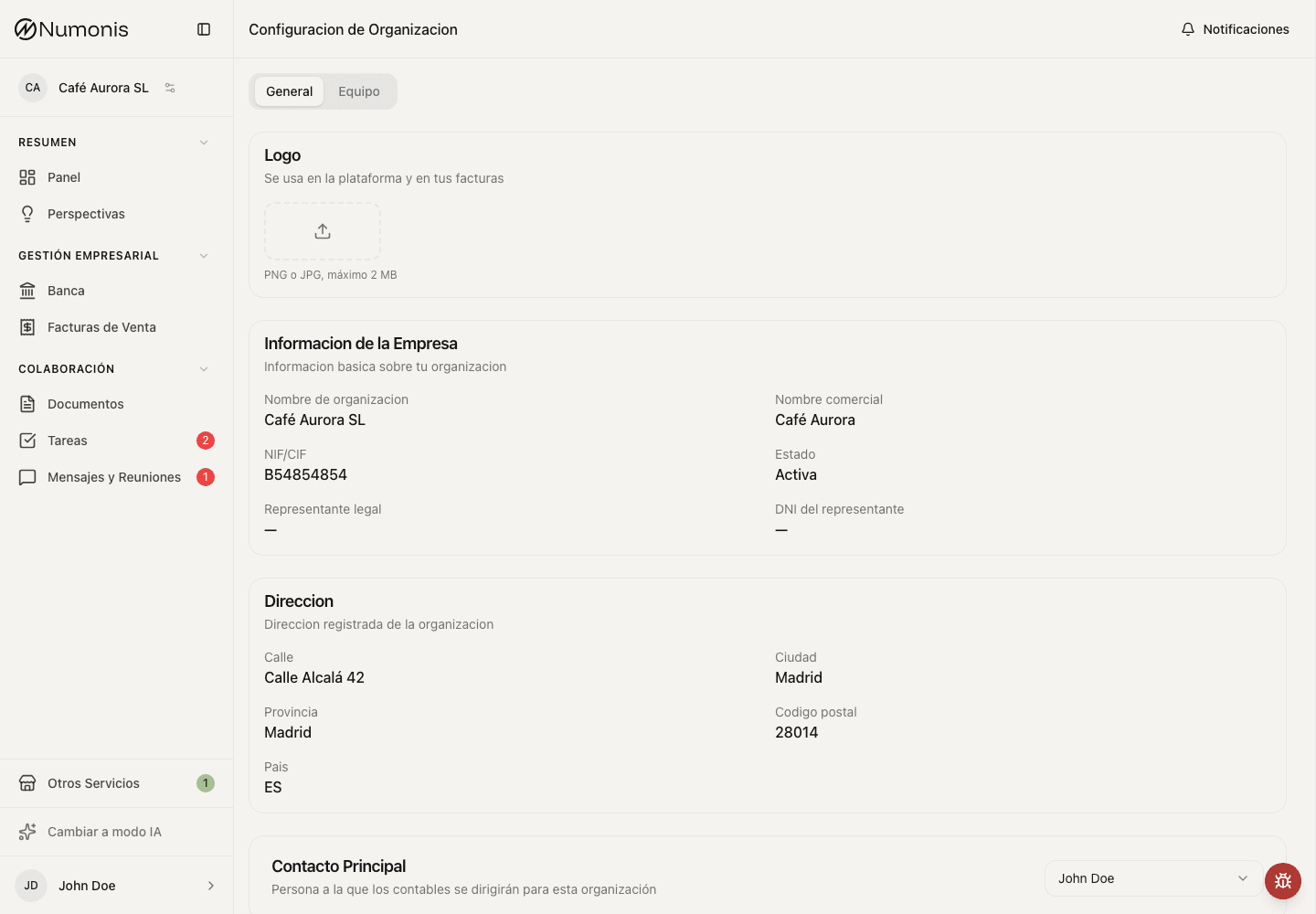
From Settings, you can review organization, team, and account preferences.
Each individual using the Numonis platform should use their own user account. This makes it easier to know who uploads documents, answers tasks, or reviews information.
When to invite someone
Invite other members of your organization when they need to:
- Upload invoices, receipts, bank statements, or supporting documents.
- Review tasks and messages.
- Consult documents, banking, or reports.
- Create or review sales invoices.
Do not share your password to give temporary access to another person.
How to review the team
- Open Organization settings.
- Go to Team.
- Review which people appear in the organization.
- Check that emails are correct.
- Review roles and remove access when someone should no longer see business information.
- Contact Numonis support through Communication if you need an access change you cannot make.
Several businesses or organizations
If you have access to more than one business, switch organizations before uploading documents, reviewing banking, or issuing invoices. Data always belongs to the active organization.
If an invitation does not arrive
- Check that the email is spelled correctly.
- Ask the invited person to review spam or junk mail.
- Resend the invitation if the action appears.
- If the invitation still does not arrive, send a message to the Numonis support team through the platform.