Schedule a meeting
Book a meeting with your accountant or payroll specialist from Communication.
From Communication you can book a meeting of 30 minutes or 1 hour with the Numonis person assigned to your company.
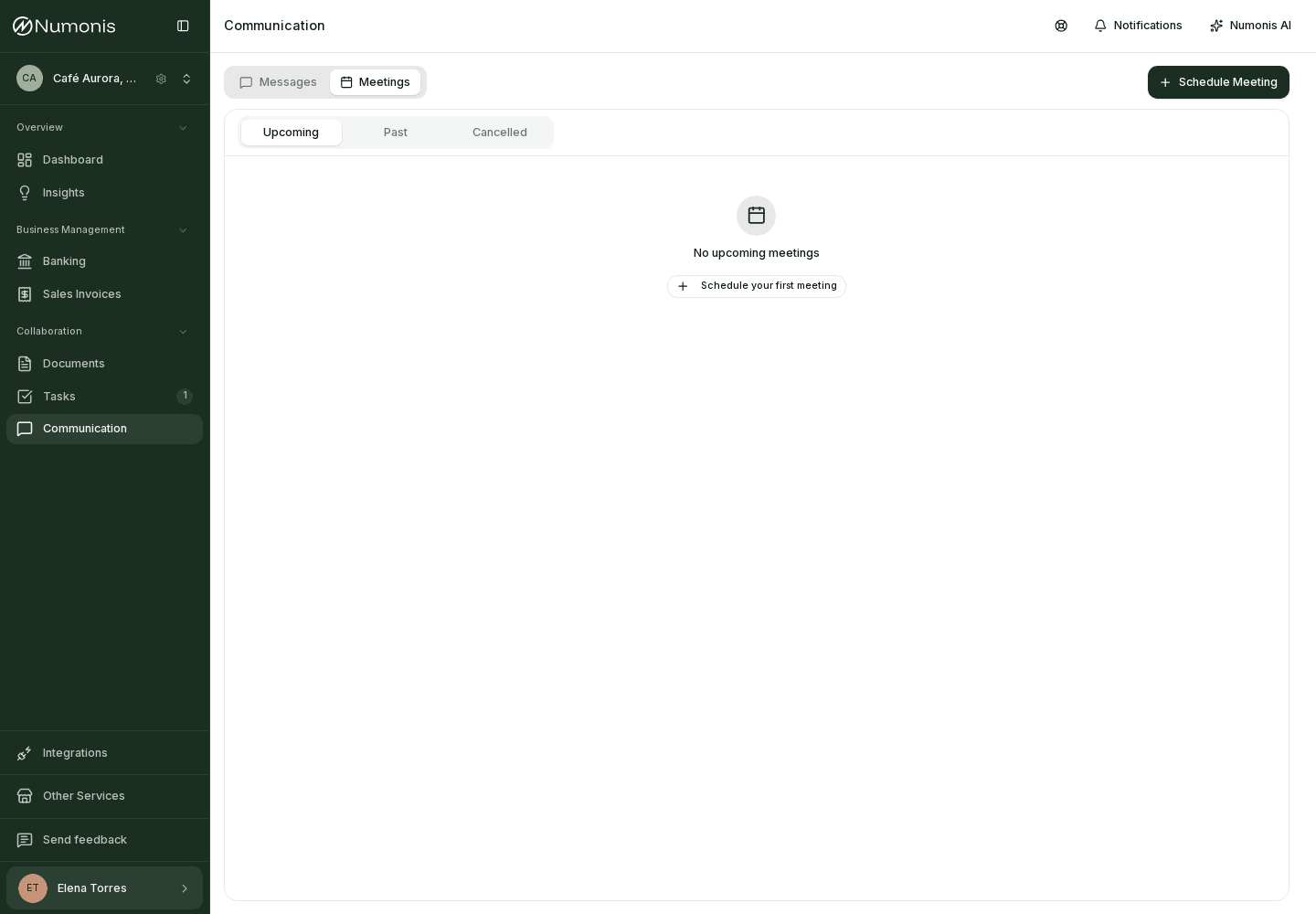
The Meetings tab lists upcoming meetings and the Schedule meeting button.
How to get there
- In the sidebar, press Communication. On mobile, press Communication in the bottom navigation.
- Open the Meetings tab.
- Press Schedule Meeting. If you have no meetings yet, the empty state also offers Schedule your first meeting.
The Messages tab is for writing. The Meetings tab is for meeting. Times use the time zone in your profile.
How to book
- On Choose meeting type, select Accountant for accounting and tax, or Payroll Specialist for payroll and employment questions. Both types are shown, but booking requires your company to have an assigned person for the selected type. If nobody is assigned, contact Numonis from Messages.
- On Select a date, choose a day with availability. Use Previous month and Next month to change month.
- On Select a time, choose the Duration: 30 min or 1 h. Then choose a free slot. With 1 h, Numonis shows only the times where the full hour is free. If none are free, you see No available times for this date.
- On Meeting details, fill in What would you like to discuss? That text is required. Share any additional context is optional.
- Under Location, choose Online (video call) or In person (at the office).
- Press Schedule Meeting.
Numonis shows who the meeting is with. If the slot is no longer free when you confirm, you return to the list of times.
After you book
The meeting appears under Upcoming. Each row shows the subject, type, format, date and time, and the Numonis person's name.
- Press Join to open the video call when the meeting is online and the link is ready.
- Press Cancel and confirm with Yes, cancel meeting. Participants are notified. Keep meeting closes the dialog without cancelling.
Past shows meetings that already finished, with the Ended label. Cancelled shows meetings that were called off.
The invitation email includes an invite.ics file so you can add the meeting to your calendar. If Numonis cancels the meeting, the cancellation email includes the calendar notice.