View document detail
Open a document to review preview, status, notes, and available actions.
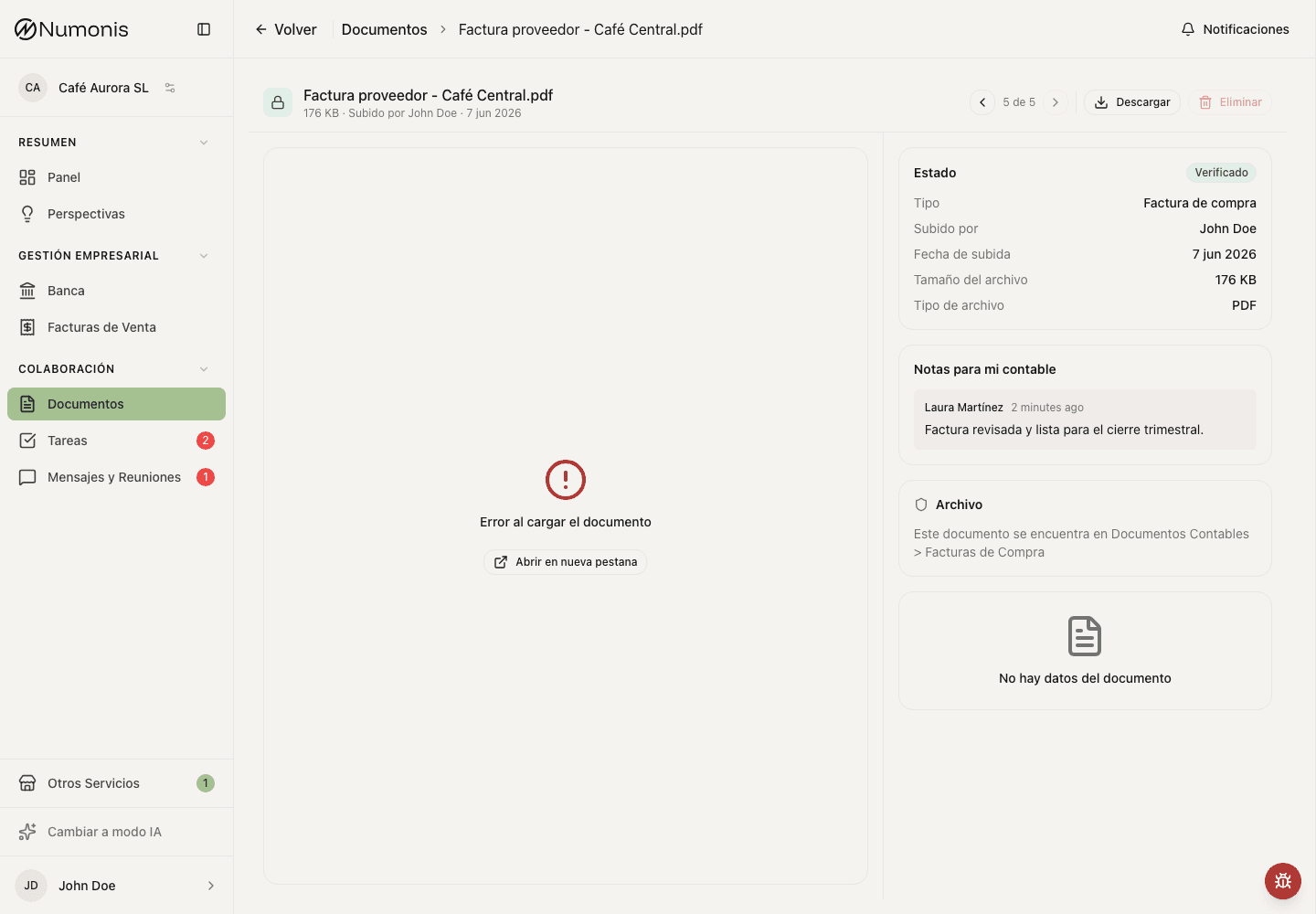
The side panel shows the document status, classification, and important notes.
Document detail brings together the preview, extracted data, review status, and notes from Numonis. Use it to understand what Numonis read from the file and whether your accountant needs anything else.
How to get there
- Open Documents.
- Search for the file by name, status, or date.
- Press the document.
What you can do
- Review the preview to confirm that the file is legible. For images, use + and − to zoom in or out, then scroll to inspect details. Press the percentage to fit the image in the preview again.
- If a PDF appears sideways, press the rotate button on the preview toolbar. Numonis saves the rotation and shows the document rotated the next time you open it.
- Check the review status.
- Read your accountant's notes if they appear.
- If the document was rejected, read the reason and upload a corrected copy if needed.
- Download or delete the document if you need to correct it and the action is available.
- If the document should explain a bank transaction, go to the transaction in Banking and link it from there when the action appears.
For tax documents, Numonis uses the last day of the declared period as the fiscal date, for example 31 December 2025 for a 4T 2025 return. If Numonis cannot verify the period of a supported AEAT submission receipt, it uses the date beside Presentación realizada el. Your accountant can correct this date during review.
For company and legal, payroll and report documents, Numonis reads the fiscal date from the document text:
- For deeds, contracts and minutes, Numonis uses the signing or meeting date, for example the date in the opening paragraph of a notarial deed.
- For certificates, licenses and notifications, Numonis uses the issue date.
- For documents about a period, such as a social security settlement or a balance sheet, Numonis uses the last day of the period.
If the document does not state a clear date, the fiscal date stays the upload date. Your accountant can correct it during review.
For tax documents, your accountant can also select or clear Model in the review panel. The model list uses the fiscal-obligation catalog, including models that are disabled for the organization's calendar. Assigning a document does not enable that calendar obligation. Changing Fiscal date or Model updates the document's archive folder automatically. Wait for document processing to finish before changing its category, type, fiscal date or model.
VAT and equivalence surcharge
When an invoice includes equivalence surcharge, the review panel shows VAT and surcharge separately. A printed combined tax amount stays unchanged; the accounting export separates it into VAT and surcharge without charging the surcharge twice. Invoice-level discounts reduce the bases used for this breakdown. An invoice whose amounts match VAT alone does not gain a surcharge from a rounding difference.
When an invoice has more than one tax rate, for example IGIC at 0%, 3% and 7%, the review panel shows Tax breakdown with the base, the rate and the tax of each rate. The breakdown uses the same amounts as the accounting export. A discount on the whole invoice, such as an early-payment discount, reduces the bases. The breakdown updates when you save the line items.
Compare the breakdown and invoice total with the original document before approving it.
An invoice in another currency can also show the amount charged to your card or account, for example "Total paid in card holders currency €332.62". Numonis reads this amount into Amount charged in another currency and shows it with the invoice amounts. Banking then uses this amount to match the payment, not the exchange rate of the day. Your accountant can add, correct or remove the amount before approving the document.
Payment details
A purchase invoice or purchase receipt shows Payment above the line items. Numonis reads the IBAN that receives the payment, the payment method, and whether the document itself looks paid, pending or unknown, together with a confidence score:
- A cash or card payment at the till, a "paid" mark and text that the amount was already debited count as paid on the document.
- Transfer or direct-debit instructions, a due date and "amount due" count as pending.
- "Total a pagar" alone only labels the total, so it does not make a paid ticket pending.
Numonis does not store an IBAN of your own bank accounts, the masked IBAN of a direct debit or the customer account of a direct debit. Your accountant sees the full IBAN and can correct the IBAN and the payment method with Save payment details. A new scan keeps a corrected value. You see the IBAN masked.
Payment status is separate. It follows a linked bank transaction that covers the invoice, or Mark as paid and Mark as unpaid. Changing it does not change the status read from the document. Reading the document again does not change a status you set, or a status set by a bank match. A bank match sets the payment date to the day of the bank movement.
An existing bank transaction can match automatically after processing when its reference and amount identify this invoice unambiguously. A full match sets the system status to Paid unless you have set it manually. The payment actions are not available while the document is processing or when it is a duplicate.
Linked bank transactions
For fully or partially matched invoices, Linked bank transactions appears immediately above Line Items, both on the document page and in the document panel. Each movement shows its description, date, account name when available, full signed amount and the amount allocated to this invoice. The allocation uses the invoice currency, which can differ from the bank currency.
Select View transaction to open that movement in Banking, including historical payments. Use the existing Banking actions to review or unlink it. Returning to the invoice shows the updated links. This section is hidden when the invoice is unmatched or has no linked movements.
Correct a document type (operators)
In Accountant verification → Type, choose Purchase Invoice, Sales Invoice or Bank Statement directly. Open a category such as Taxes, Other Accounting or Company & Legal to choose the specific document type. Use Back to return without making a change. Selecting a type in the verification panel saves it immediately; in the document's Edit dialog, press Save changes. Scroll within longer type lists; Back and the category name remain visible.
If Numonis is not sure of the document type, it shows Needs your review. If the type is wrong, choose the correct type: the type warning disappears, and other warnings stay. If the type is correct, approve the document.
Changing an invoice or receipt type runs extraction again and keeps your selected type. If the extracted seller and buyer conflict with that selection, Numonis adds a review note. Wait for processing to finish, then check both parties against the original before approving. In the invoice editor, use Swap seller and buyer if they were extracted in reverse. This moves their complete details together, including addresses and contact information. You can also edit either party's name and tax ID. Press Save to apply the correction. Correcting a party's tax ID to match another existing supplier or customer in the same organization reuses that party and preserves its details. A correction that makes the seller and buyer the same party is rejected; swap them or correct both parties before saving.
Taxes includes End of Year Tax Return, Quarterly Tax Return, Monthly Tax Return, Tax Filing Acknowledgement, tax clearance certificates, payment slips and payment proofs. Numonis identifies the declaration's reporting period separately from its submission date. A payment receipt alone is not a tax return. If a filing acknowledgement has no reporting period or evidence of an annual form, it stays in Taxes as Tax Filing Acknowledgement for review. Numonis can still read its model and submission date. The operator can select a return type once the period is known. The selected Model remains a separate field. Changing between tax return types preserves the assigned model and fiscal date; correct those fields separately when needed. New monthly Modelo 303 filings link to the catalog's 303-M entry when recognized.
Processing documents and exported invoices have locked type controls. Contacts can rename their documents; exact type corrections are an operator action. Selecting Other moves a document to Other even if its previous type was already Other in a different category. Renaming alone preserves the existing category and type.
Common problems
The extraction is marked as uncertain
Numonis flags an invoice for review when confidence in the extracted data is low or unavailable, even if the amounts appear to add up. The accountant should compare the amounts and other key fields with the original, correct them if needed, and then approve the document. This also applies after scanning an invoice again.
Numonis also warns when it cannot tell whether a file contains more than one document. It keeps uncertain pages or receipts together. Check every page and receipt in the original before approving it. The warning remains if processing is retried or the invoice is scanned again.
If Numonis cannot confidently identify a single tax filing, it keeps the document's current name. The accountant can review the filing and rename it manually.
The preview does not load
Download the file to check it. If the document is damaged, upload a legible copy again.
The document appears rejected
Read the rejection reason and upload a corrected version. If you do not know what is missing, open a conversation in Communication.